Fixed assets
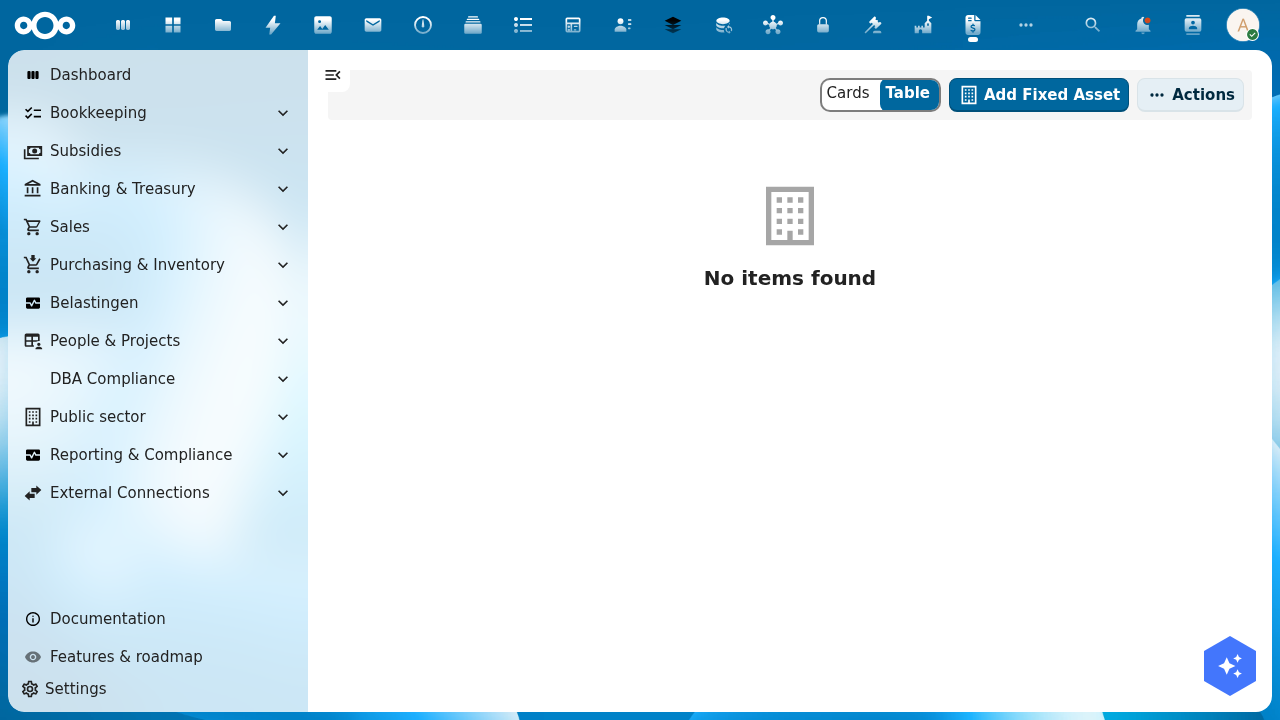
The Fixed assets (vaste activa) register tracks everything the organisation owns for long-term use: buildings, machinery, vehicles, computers, and intangible assets like software licences. Shillinq calculates depreciation automatically and posts the monthly entries to the general ledger.
What is a fixed asset?
A fixed asset is an item you buy for long-term use (not for resale) that has a value above your capitalisation threshold. Instead of expensing the full cost in the year of purchase, you spread the cost over the asset's useful life as depreciation (afschrijving).
| Term | Meaning |
|---|---|
| Acquisition cost | The full purchase price including installation and commissioning |
| Useful life | How many years you expect to use the asset |
| Residual value | The estimated sale value at the end of its useful life |
| Depreciation | (Acquisition cost − residual value) ÷ useful life, posted each period |
| Book value | Acquisition cost minus accumulated depreciation so far |
Add a fixed asset
- Go to Bookkeeping → Fixed assets.
- Click + Add fixed asset.
- Fill in:
assetName— a clear description (e.g. "Dell laptop XPS-15 #2025-042")assetCategory— choose from your configured categories (e.g. IT equipment, vehicles)acquisitionDate— the date you received and put the asset into serviceacquisitionCost— the full purchase price (excl. VAT if reclaimable)usefulLifeYears— expected useful life in yearsresidualValue— estimated value at end of life (can be 0)depreciationMethod— typically Straight-line (lineair); Dutch tax rules also allow Reducing balance for certain assetsglAccountAsset— the balance sheet account for this asset class (e.g.06000for IT equipment)glAccountDepreciation— the P&L expense account for depreciation charges (e.g.06100)
- Click Save. Shillinq creates the asset record and schedules future depreciation entries.
Depreciation schedule
Each asset has a Depreciation schedule tab showing the planned depreciation for every period until the asset is fully depreciated. Click Post depreciation at the end of each month (or use the period-close checklist) to post the entries to the general ledger.
You can also enable automatic depreciation posting in Settings → Fixed assets — Shillinq then posts depreciation entries on the first day of each month without manual intervention.
Disposal
When you sell or scrap an asset:
- Open the asset detail.
- Click Dispose.
- Enter
disposalDateanddisposalValue(proceeds from sale, or 0 for scrapping). - Shillinq calculates the gain or loss: disposal proceeds minus book value at disposal date.
- Confirm. Shillinq posts the disposal entry and marks the asset as inactive.
Asset categories
Configure asset categories in Settings → Fixed asset categories. Each category sets the default GL accounts and depreciation method, so you don't need to fill those in manually for every new asset.
Dutch tax rules
- Minimum capitalisation threshold: typically €450 (below this, expense directly).
- Maximum depreciation per year: not faster than 20 % of acquisition cost (straight-line) for most assets.
- Goodwill: maximum 10 years useful life under Dutch GAAP.
- Investment deduction (KIA): Shillinq flags eligible assets for the Kleinschaligheidsinvesteringsaftrek if configured.
Related
- General ledger — view posted depreciation entries
- Balance sheet — fixed assets appear under non-current assets
- Chart of accounts — asset and depreciation GL accounts