Read your trial balance
The trial balance (Dutch: proefbalans) is the control report you run before closing a fiscal period. It lists, for one period, every general-ledger account with its opening balance, the debit and credit movements posted in the period, and the computed closing balance, and it proves the ledger is in balance (total debits equal total credits).
What is a trial balance?
A trial balance reconciles the detailed postings in your general ledger into a per-account summary at a period boundary. It serves four purposes:
- Period reconciliation — proof the ledger is balanced (Σ debits = Σ credits).
- Audit control — a required statutory document in Dutch bookkeeping (RGS, BBV).
- Staging for downstream reports — the VAT return and the financial statements both reconcile against a validated trial balance.
- Management reporting — confirm account activity before posting period-close adjustments.
How to read the report
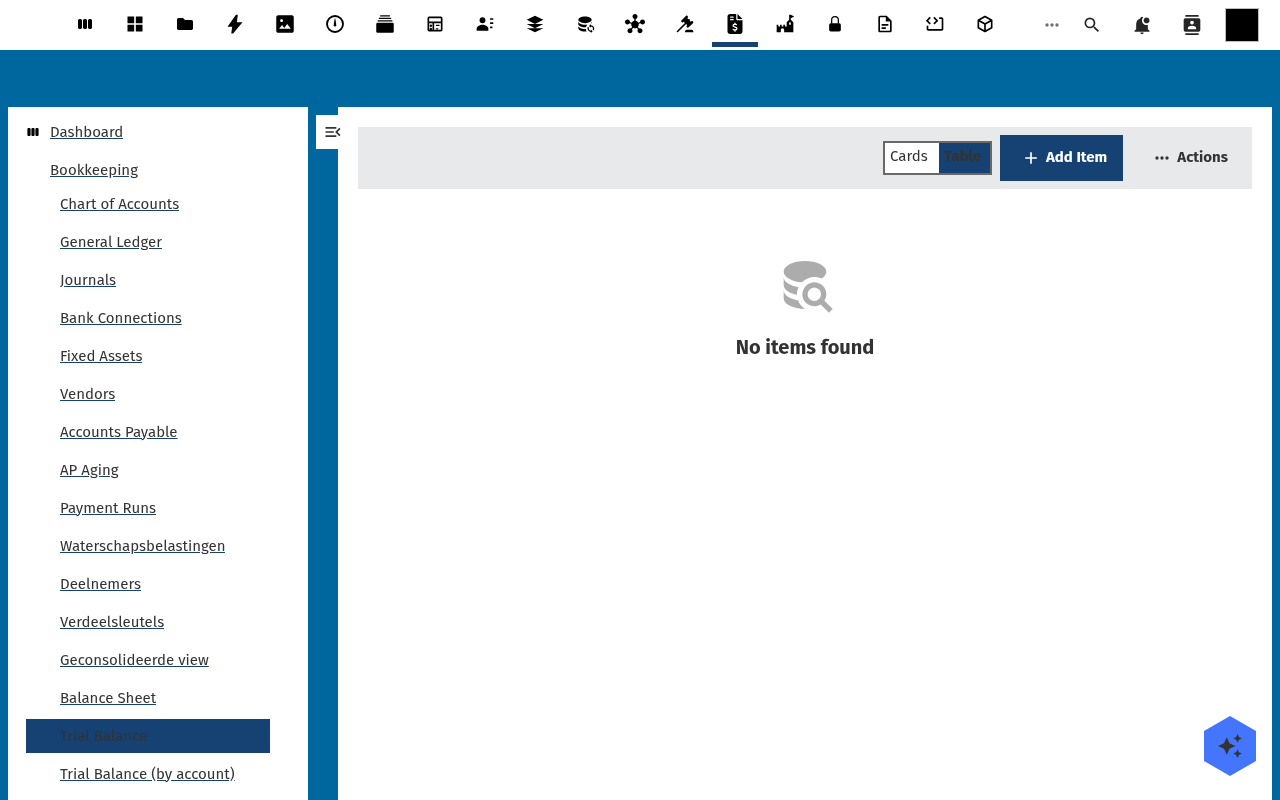
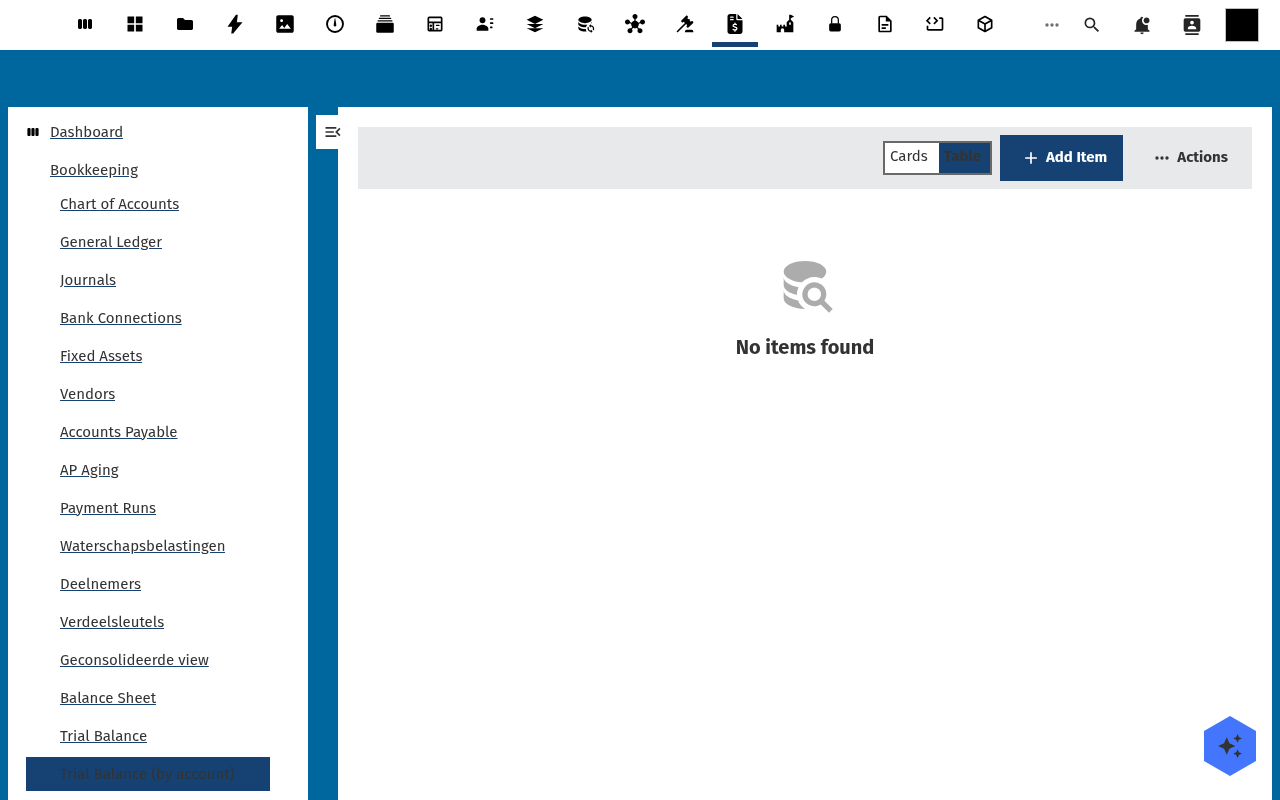
Open Bookkeeping → Trial Balance (by account). Each row is one account:
| Column | Meaning |
|---|---|
| Period | The fiscal period this row covers (for example 2026-Q1). |
| Account Number | The RGS general-ledger account code. |
| Account Name | The human-readable account name. |
| Account Type | Assets, liabilities, equity, revenue, or expenses. |
| Opening Balance | The account balance at the start of the period. |
| Debits | Total debit movements posted in the period. |
| Credits | Total credit movements posted in the period. |
| Closing Balance | Opening Balance + (Debits − Credits). |
The summary cards at the top show Total Assets, Total Liabilities and Total Equity for the period, plus a balanced indicator.
Opening vs. closing balance
The opening balance of a period is carried from the closing balance of
the prior period for the same account. For the very first period an account has
no prior balance, so its opening balance is zero. The closing balance is
always opening + (debits − credits); an account with no activity in the period
carries its opening balance straight through to its closing balance.
Why debits must equal credits
Every balanced journal posts equal debit and credit amounts, so across all accounts the totals must match. When Trial balance is balanced is shown, the ledger is internally consistent. If you see Trial balance is not balanced, the general ledger has an unbalanced posting — locate it in General Ledger before you close the period.
Using the trial balance for period close
- Post all journals and bank transactions for the period.
- Open Trial Balance (by account) and select the period.
- Confirm the balanced indicator is green.
- Review each account's closing balance against your expectations.
- Proceed to the VAT return and the financial statements, which reconcile against this trial balance.
Troubleshooting
- "Not balanced" — a journal was posted with unequal debit/credit lines. Open General Ledger, filter by the period, and sum debits vs. credits.
- An account is missing — it has no postings in the period and no prior closing balance; it only appears once it carries a balance.
- Opening balance is zero unexpectedly — no prior-period trial balance was selected. Pass the prior period so opening balances are carried forward.
- Amounts look off by a cent — all amounts are computed in integer cents to avoid rounding drift; displayed values are rounded for presentation only.
Read-only by design
The trial balance is a read-only report computed live from the general ledger. You cannot edit a trial-balance row directly — to change a balance, post or correct the underlying general-ledger entries and the report updates on its next run.
Period-snapshot index
Posted period-close snapshots are listed under Bookkeeping → Trial Balance; each row is a frozen point-in-time trial balance for one fiscal period.