Bank connections
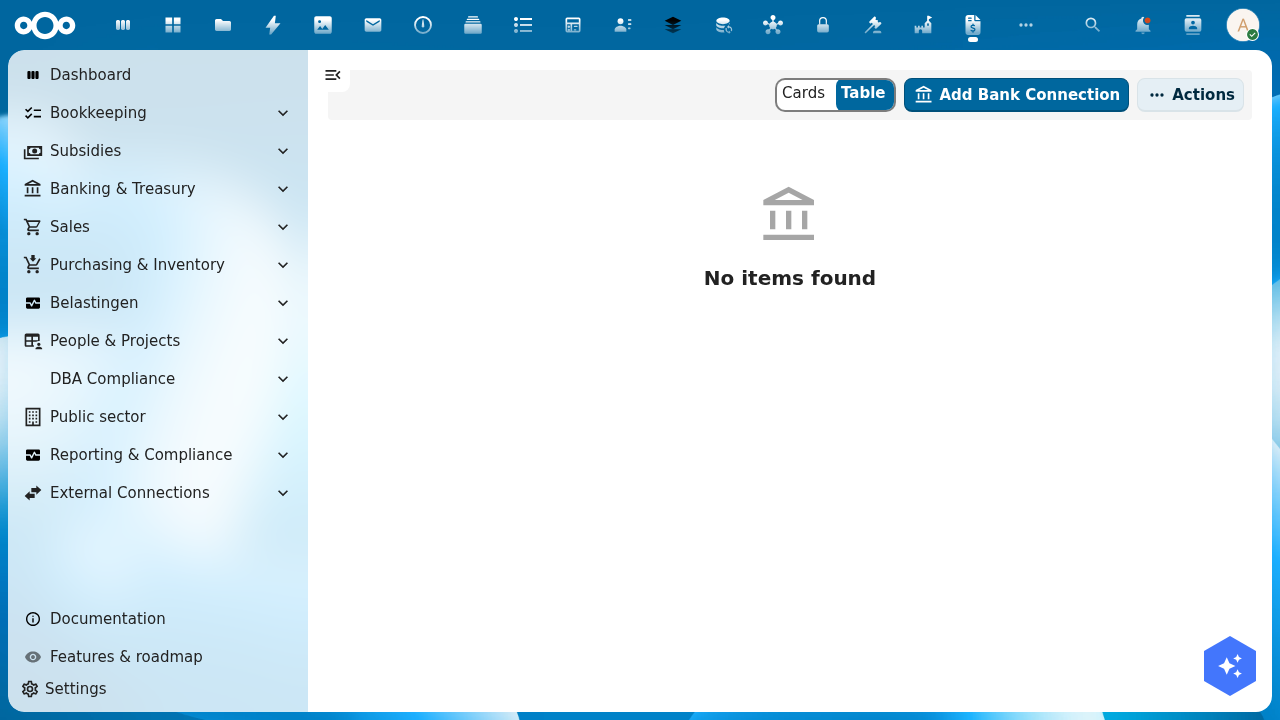
Bank connections let Shillinq fetch transactions directly from your bank using the PSD2 Open Banking API. Once connected, new transactions appear automatically in the bank reconciliation queue every night — no manual CAMT.053 file downloads needed.
Supported banks
Shillinq connects to Dutch banks via the PSD2 standard. Currently supported:
| Bank | Connection type |
|---|---|
| ABN AMRO | PSD2 / Open Banking |
| ING | PSD2 / Open Banking |
| Rabobank | PSD2 / Open Banking |
| Bunq | PSD2 / Open Banking |
| SNS / RegioBank | PSD2 / Open Banking |
| Mollie | Payment service provider API |
For banks not in this list, use the manual CAMT.053 or MT940 import instead.
Add a bank connection
- Go to Banking & Treasury → Bank connections.
- Click + Add bank connection.
- Select your bank from the list.
- Click Connect. Shillinq redirects you to your bank's secure authorisation page.
- Log in to your bank and authorise Shillinq to read your transactions (read-only access — Shillinq never initiates payments through this connection).
- After authorisation, you are returned to Shillinq. The connection appears as Active.
PSD2 authorisations expire every 90 days. Shillinq notifies you when renewal is needed.
What gets imported
Once connected, Shillinq imports:
- All transactions from the last 90 days on the connected account (historical backfill on first connect)
- New transactions daily (typically within 24 hours of the bank processing them)
Each transaction includes: date, amount, counterparty name, IBAN, and payment description.
Automatic reconciliation
Imported transactions are queued in Bookkeeping → Bank reconciliation → Unmatched transactions. Shillinq tries to match each transaction to an open bill or invoice automatically. Matched transactions are highlighted; you confirm and post.
See Import your bank statement for the full reconciliation workflow.
Manage connections
| Action | How |
|---|---|
| Refresh now (don't wait for nightly run) | Click Sync now on the connection row |
| Renew expired authorisation | Click Re-authorise |
| Remove a connection | Click the row → Delete |
Related
- Bank Reconciliation — match transactions to open items
- Import bank statement manually — CAMT.053 / MT940 import for banks without PSD2