Accounts payable
Accounts payable (AP) is everything your organisation owes to suppliers. In Dutch: crediteuren or leveranciersadministratie. The AP section of Shillinq covers recording supplier invoices, tracking what is overdue, making bulk payments, and chasing unpaid balances.
Pages in this section
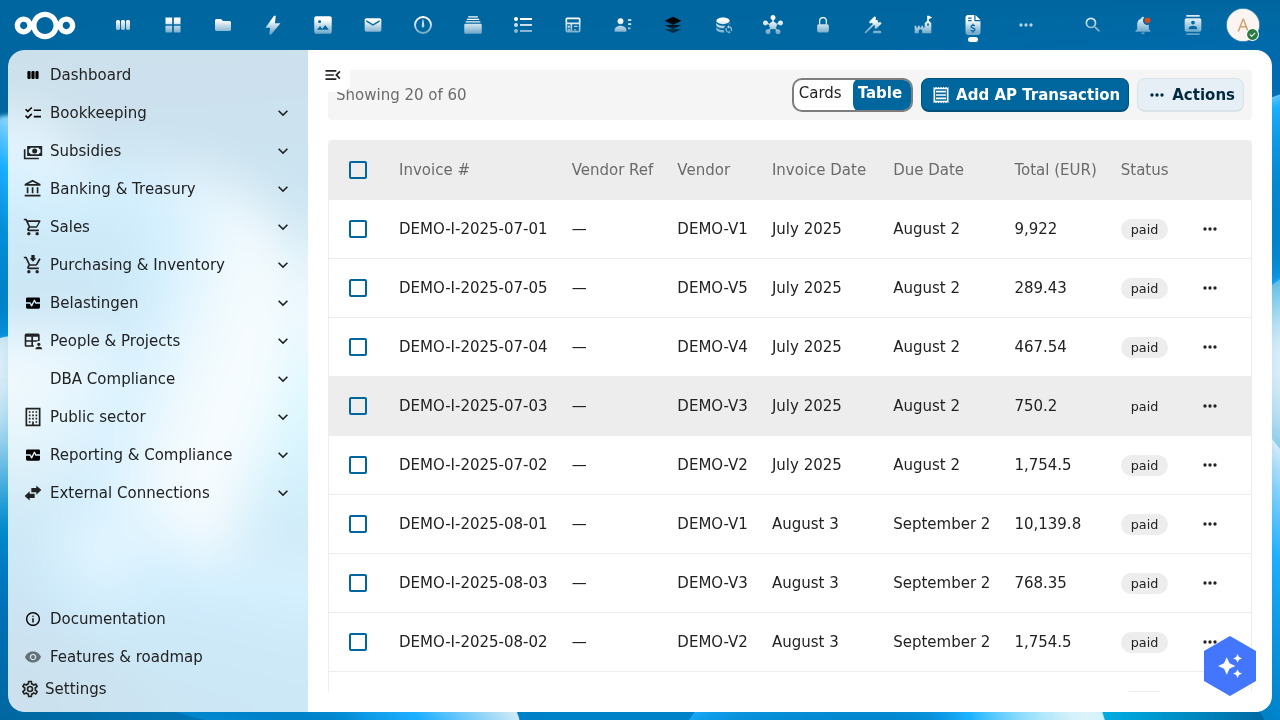
Accounts Payable index
The Accounts Payable list shows all supplier invoices that are open (unpaid) or recently paid. Each row shows:
| Column | Meaning |
|---|---|
| Supplier | Who sent the invoice |
| Invoice number | Supplier's invoice number |
| Invoice date | Date on the supplier's document |
| Due date | When payment is expected |
| Amount | Total invoice amount incl. VAT |
| Status | Draft / Open / Paid / Overdue |
Click any row to open the invoice detail and see the journal entry, line breakdown, and payment history.
AP Aging report
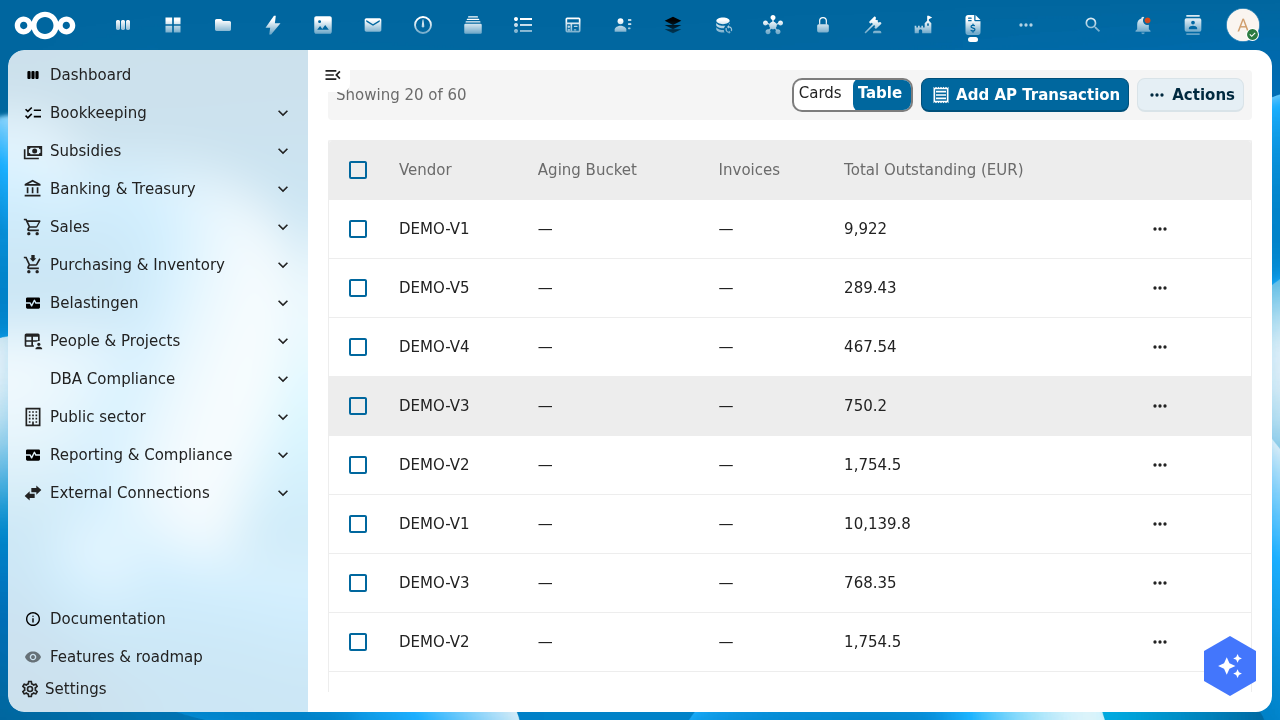
The AP Aging report groups open bills by how many days overdue they are:
| Bucket | Description |
|---|---|
| Not yet due | Due date is still in the future |
| 1–30 days | Slightly overdue |
| 31–60 days | Materially overdue |
| 61–90 days | Significantly overdue |
| 90+ days | Critical — should be resolved immediately |
Use this report to prioritise payments and identify where you may have disputes with suppliers.
Payment runs
A payment run groups multiple open bills into a single batch payment — useful for paying many suppliers at once. The payment run page lets you:
- Select which bills to include (filter by due date, supplier, or amount)
- Review the total amount to pay
- Export a PAIN.001 XML file to upload to your bank's payment portal
- Or send directly via your connected bank (if PSD2 payment initiation is enabled)
- Mark selected bills as paid once the bank confirms
After a payment run is completed, the included bills are automatically matched during the next bank reconciliation.
Dunning (payment reminders to you for overdue payables)
The AP section also includes incoming dunning management — tracking when suppliers remind you to pay. Configure escalation rules per supplier in Vendors → [Supplier] → Settings.
Related guides
- Import a bill — how to record a supplier invoice
- Bank Reconciliation — how payments are matched to bills
- Vendors — manage supplier master data