Payment requests on a case
A payment request asks someone to pay for something that is not an invoice: fees (leges) on a permit application, a deposit for an event, a penalty payment. The request belongs to the record it is about, usually a case in Dossiq. Shillinq holds the request, sends the payment link and books the money when it arrives.
Raise a request
A request is raised from the record itself. On a Dossiq case the payment requests panel lists the case's requests, with the published fee for the case when there is one. Other apps raise requests the same way through the shillinq-payment-requests leaf (see the payment request leaf for developers).
You give the amount, the kind of request (fees, penalty payment, deposit, contribution, event fee or other), a description, the debtor and a due date. A record has at most one open request of each kind: a second pending fee request on the same case is refused.
Raising a request needs the payment.request action. Administrators carry it; your administrator maps it to groups.
Follow requests in Shillinq
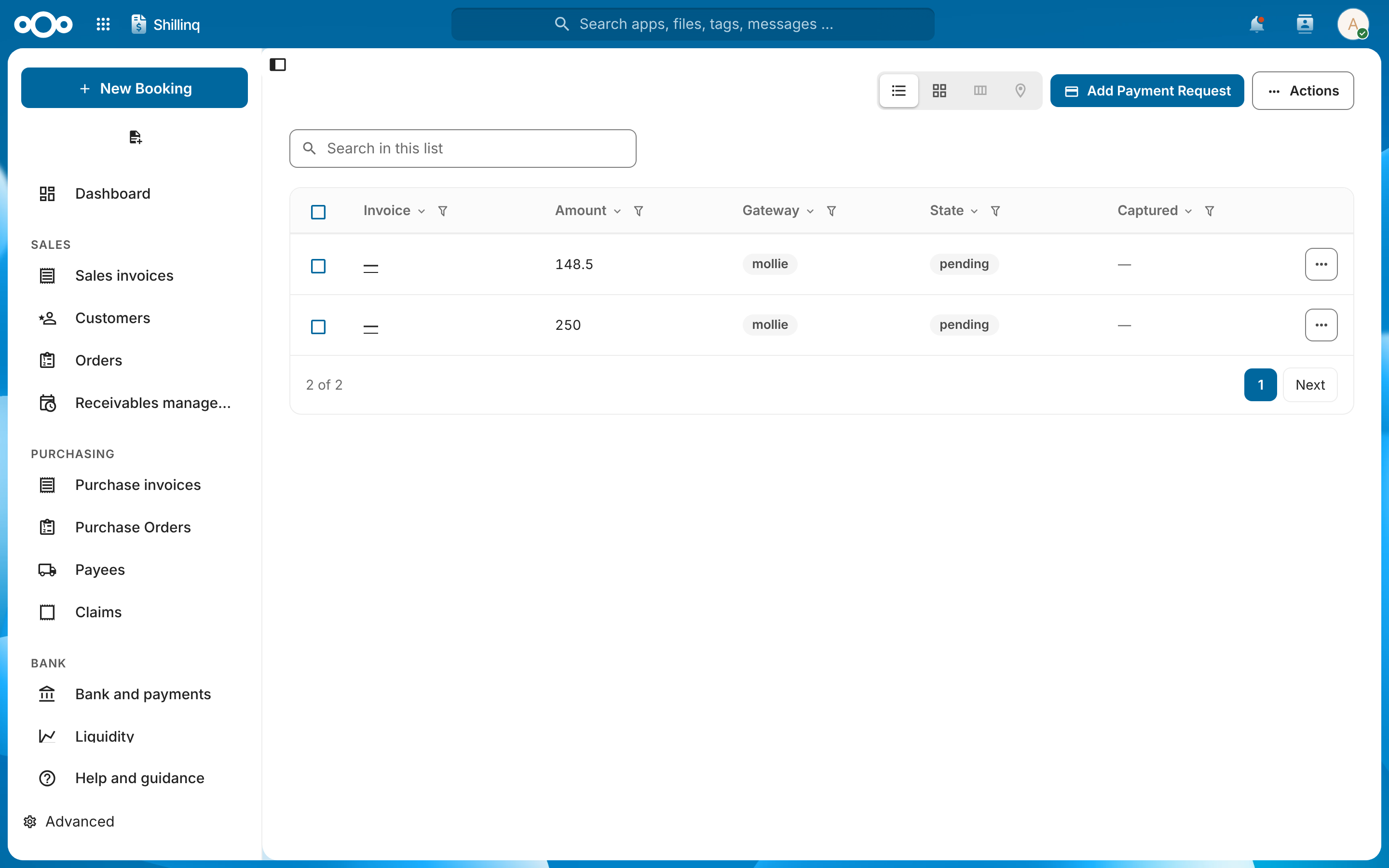
The Payment requests page lists the requests of the administration you work in, with their amount, payment provider and state.
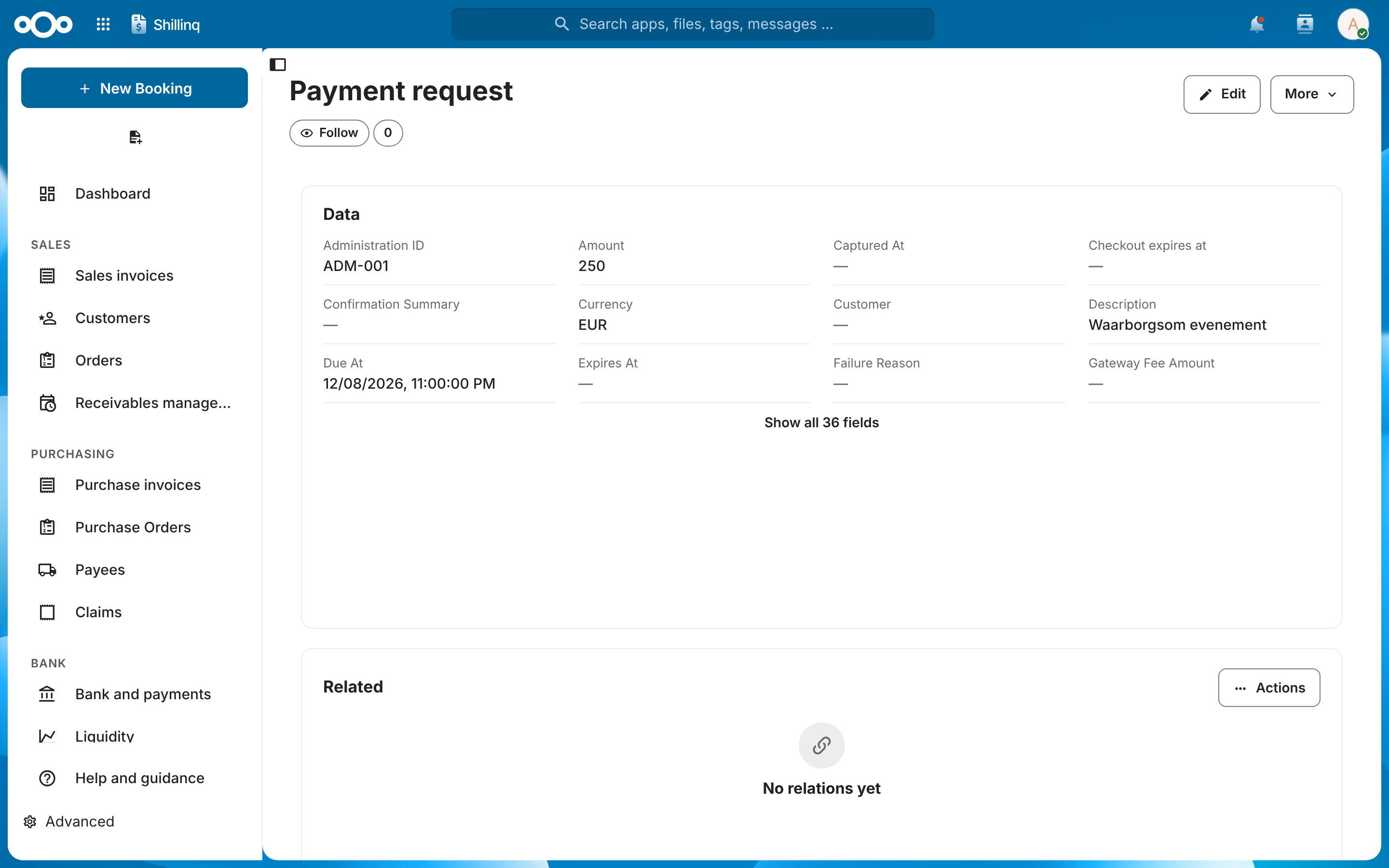
Open a request to see its details: the amount and currency, the description, the due date, the payment link and when it expires, and when the money was captured.
Send the link
Send payment link, on the request's page or in the panel on the case, mails the checkout link to the debtor. A request without a debtor email address, or without a link (anything that is no longer pending), is not sent; you get the reason instead.
Record a payment made another way
When someone pays at the counter in cash or by pin, by bank transfer, or the fee is waived, choose Mark paid by other means in the panel on the case: how the money arrived (pin or cash at the counter, bank transfer, waived, or another way) and the reference the bank statement will show, then Record the payment. The whole requested amount is recorded. A waiver needs a reason.
The record is added next to whatever the payment provider reports. If a provider payment still arrives afterwards, the request reports an overpayment, so the refund is not forgotten.
Settling needs the payment.administer action.
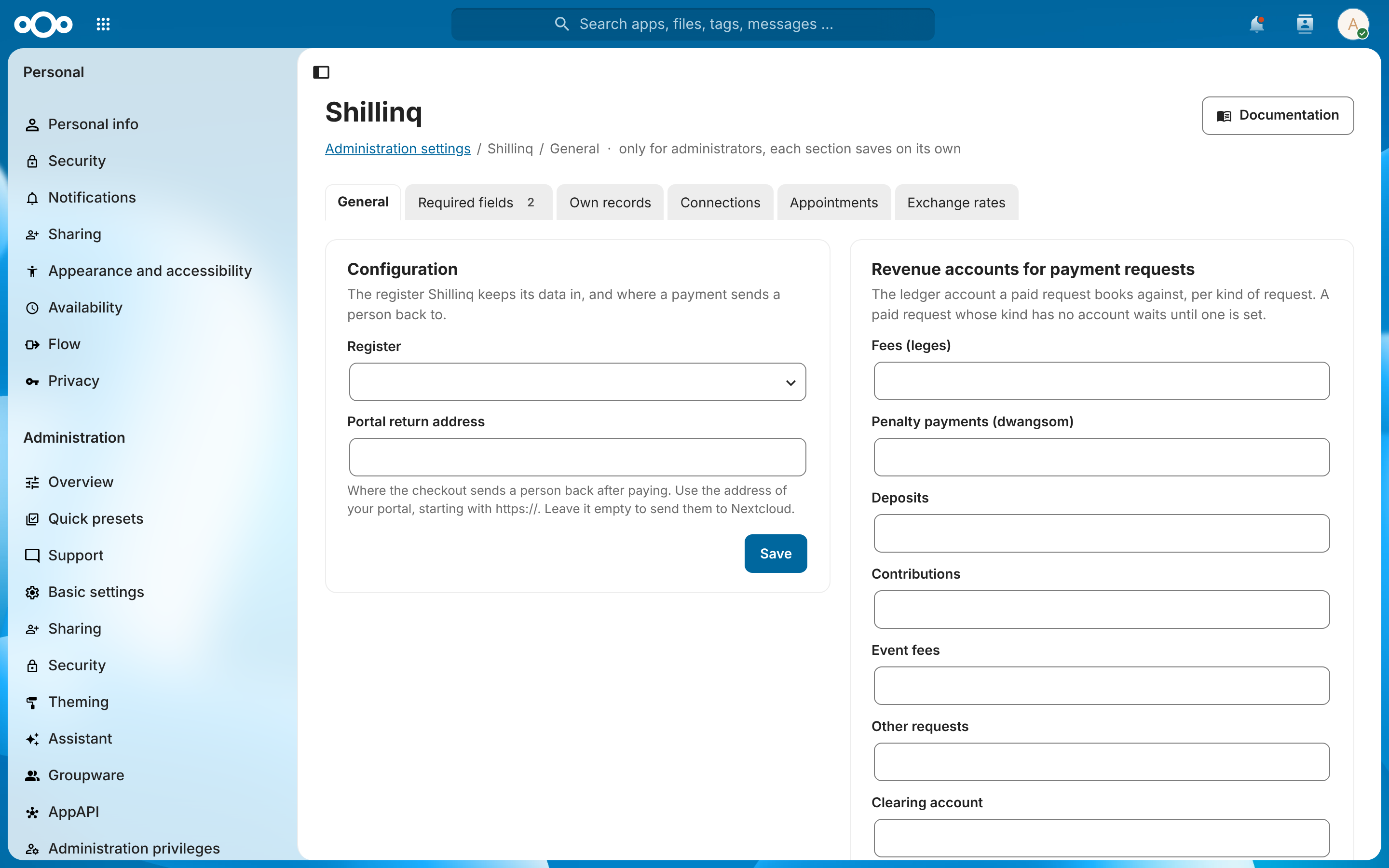
Choose the revenue accounts
A paid request books against a ledger account that depends on its kind. Set them under Administration settings → Shillinq → General → Revenue accounts for payment requests: one account per kind, plus a clearing account. A paid request whose kind has no account is kept as captured but unapplied until you set one.